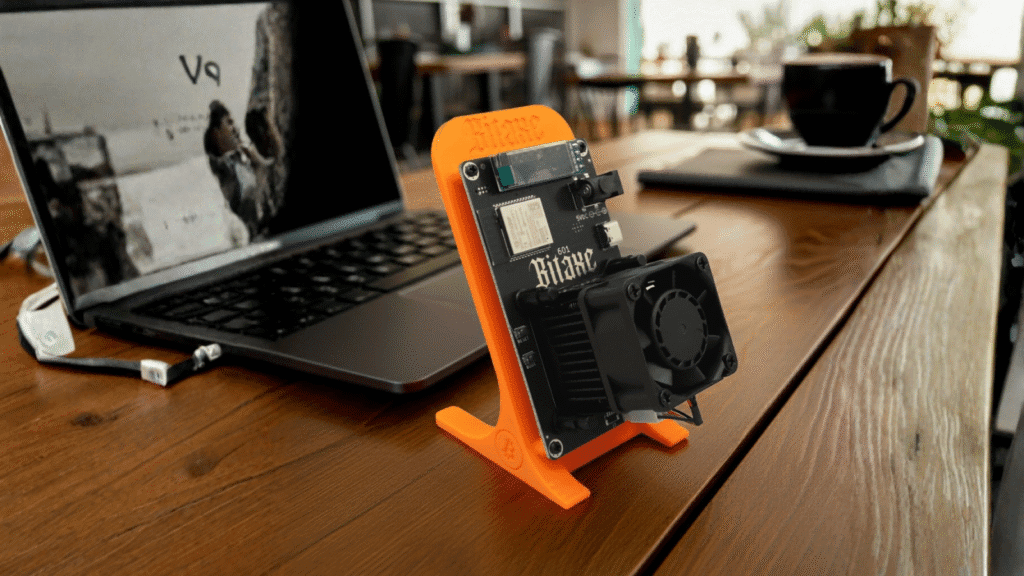
You’ve unboxed your Bitaxe Gamma 601. You’ve connected it to WiFi. You’ve opened the AxeOS dashboard. Now, you are staring at a field labeled Stratum URL and wondering:
“Should I join a massive pool like AntPool (PPS), or should I go SOLO?”
If you read industrial mining whitepapers, you’ll see acronyms like PPS (Pay Per Share) and PPLNS (Pay Per Last N Shares). But here is the brutal truth for “Desktop Miners”: Those rules don’t apply to you.
As DigLucky’s Chief Content Officer, I’m going to break down the math behind these revenue models and guide you through the exact configuration you need for your Solo Miner.
The Industrial Logic: PPS vs. PPLNS
In the industrial world (think warehouses in Texas), miners act like salaried employees.
- PPS (Pay Per Share) = The Salaryman
- How it works: You get paid for every valid “share” (math problem) you solve, regardless of whether the pool finds a block.
- The Pro: Stable, predictable income.
- The Con: High fees. The pool takes the risk.
- Why it fails for you: With a 1.2 TH/s device, your “salary” would be fractions of a cent per day. You might never reach the minimum withdrawal threshold (e.g., 0.01 BTC). You are essentially working for free.
- PPLNS (Pay Per Last N Shares) = The Partner
- How it works: You only get paid when the pool finds a block, based on your recent contributions.
- The Pro: Lower fees.
- The Con: Unstable. If you disconnect or the pool is unlucky, you get zero.
The DigLucky Logic: Why SOLO is King
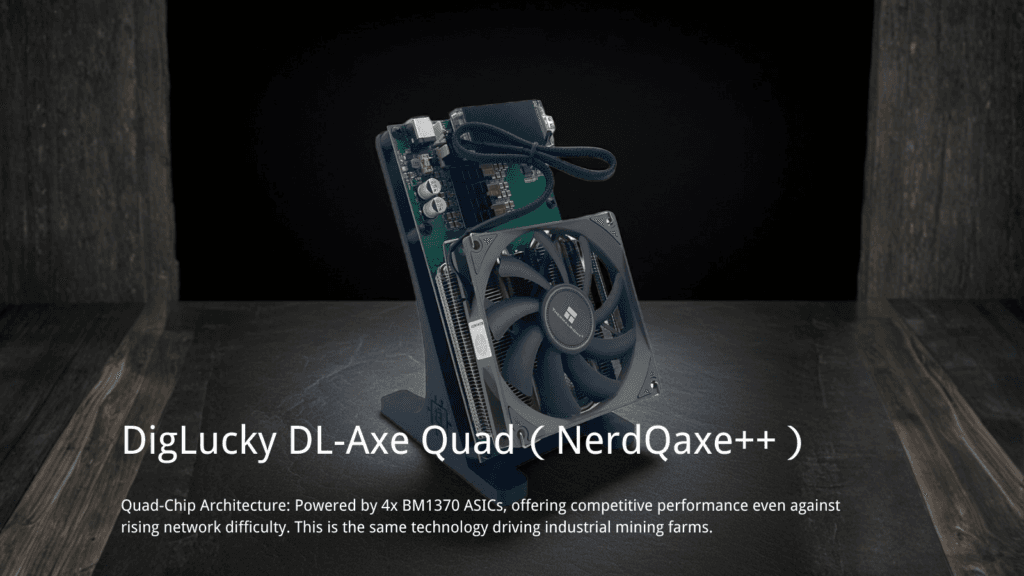
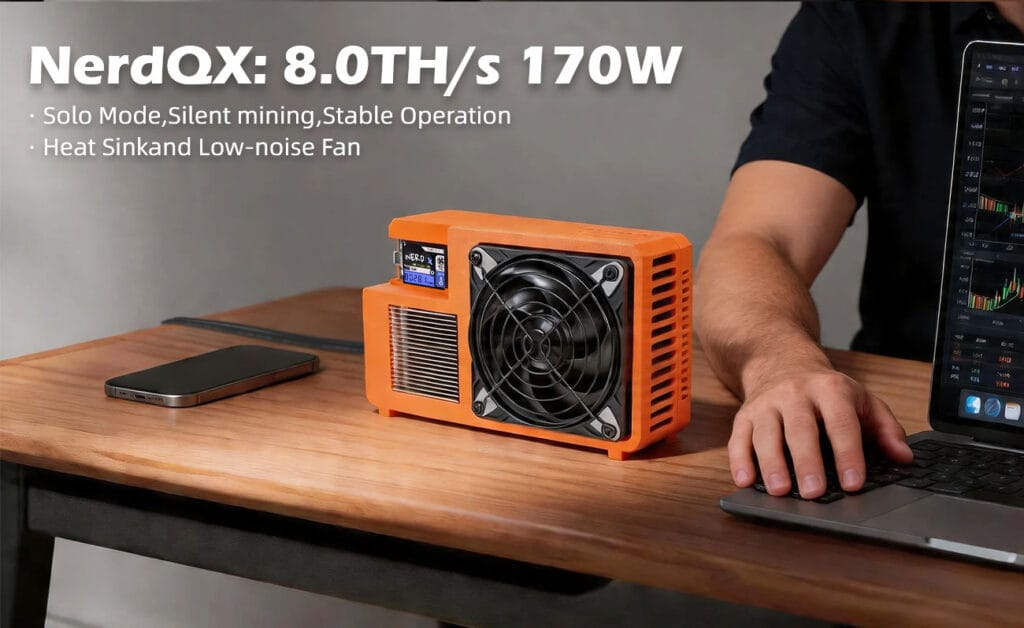
For devices like the Luckyminer LV06 or NerdQaxe++, there is only one game in town: SOLO Mining.
- The Mechanism: You represent your own node. You don’t share rewards. If your specific machine finds the “Golden Nonce” (the winning number), you keep the entire 3.125 BTC block reward + transaction fees.
- The Math: You are trading “dust” (tiny, unwithdrawable PPS earnings) for “hope” (a small chance at a life-changing sum).
- The Verdict: For hardware under 100 TH/s, SOLO is the only logical configuration.
Step-by-Step Guide: Configuring SOLO Mode
Ready to point your miner at the moon? Let’s configure your Bitaxe Gamma 601 (or any ESP32-based miner) for a SOLO pool.
Prerequisites
- A Bitcoin Wallet Address (See our [Wallet Setup Guide] if you don’t have one).
- Your Miner connected to local WiFi.
Step 1: Choose a Solo Pool
You need a pool that supports SOLO stratum. We recommend:
- Public-Pool.io: Completely open-source, zero fees (optional donation), great UI.
- Solo.ckpool.org: The legendary pool run by Con Kolivas. Rock-solid stability.
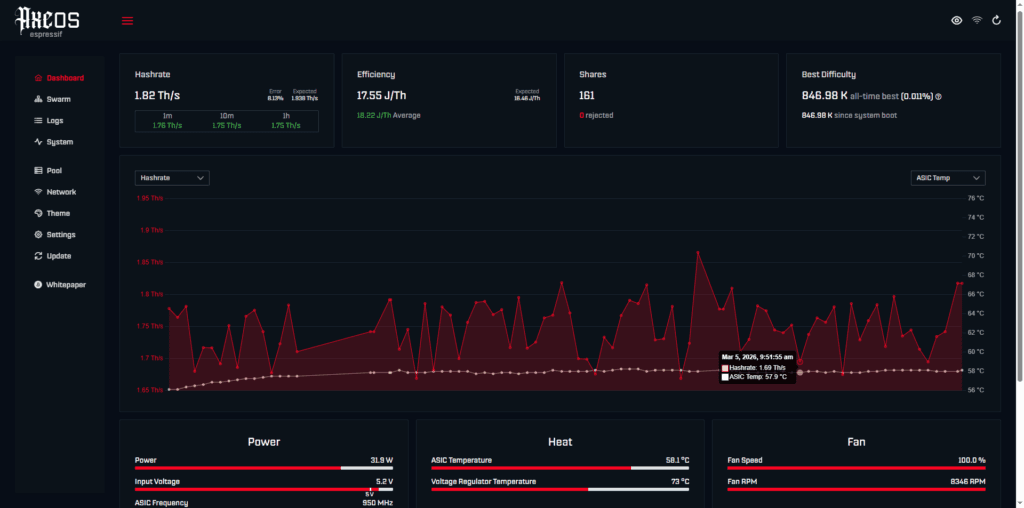
Step 2: Access the AxeOS / NerdMiner Dashboard
- Find your miner’s IP address (e.g.,
192.168.1.50). - Type it into your browser.
- Click Settings > Stratum User.
Step 3: Input the Stratum Data (The Vital Part)
This is where 90% of beginners make mistakes.
- Stratum URL:
- For Public-Pool:
stratum+tcp://public-pool.io:21496 - For CKPool:
stratum+tcp://solo.ckpool.org:3333 - Stratum User:
- Paste your Bitcoin Wallet Address here.
- Example:
bc1qxy2kgdygjrsqtzq2n0yrf2493p83kkfjhx0wlh - Critical: Do not use a username. The address is the username.
- Stratum Password:
- Leave as
xor123. It doesn’t matter for these pools.
Step 4: Save & Restart
Click Save. The device will reboot.
Step 5: Verify on the Blockchain
- Wait 5-10 minutes.
- Go to the website of the pool you chose (e.g.,
web.public-pool.io). - Paste your Wallet Address into the search bar.
- You should see your worker active with a hashrate of ~1.2 TH/s (for Gamma 601) or ~500 GH/s (for LV06).
Congratulations! You are now a sovereign solo miner.
For the B2B Buyer: Why This Matters?
If you are a distributor looking to sell these units, understanding this setup is your sales pitch.
DigLucky provides these units pre-flashed and tested.
- Buying for a STEM class? We can pre-configure the pool to a private classroom server.
- Buying for retail? We offer Tier 3 Wholesale Pricing (500+ units) that gives you 30% margin.
Ready to start your mining journey?
Ready to Start Your Project?
Get a factory-direct quote for your B2B project, or shop our B2C store for the best prices.