Product Overview
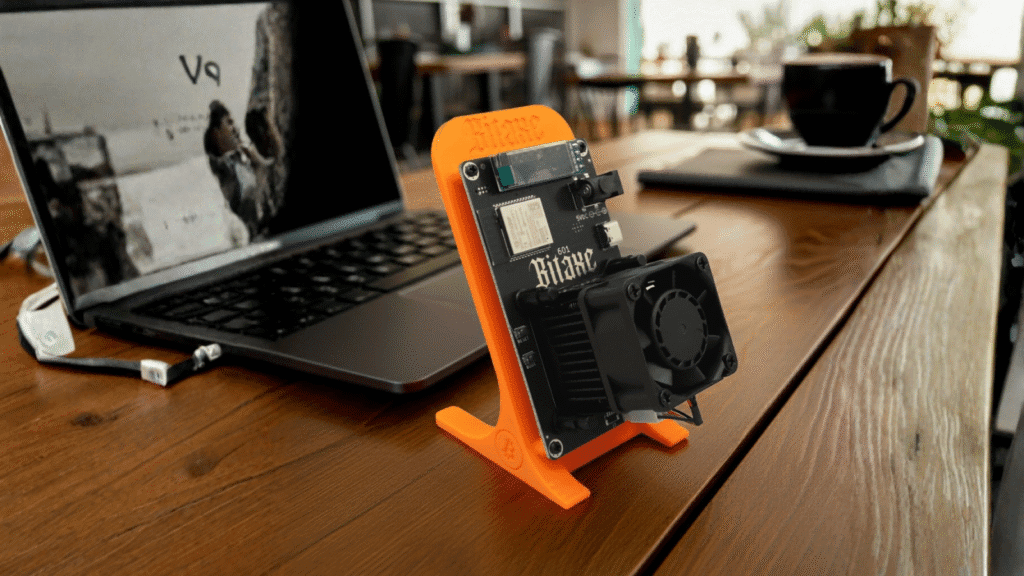
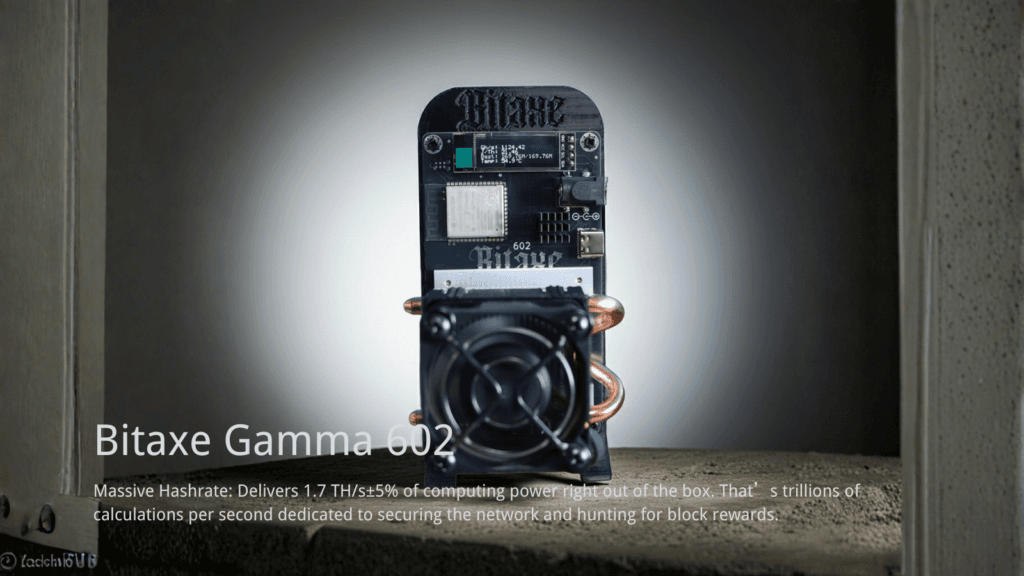
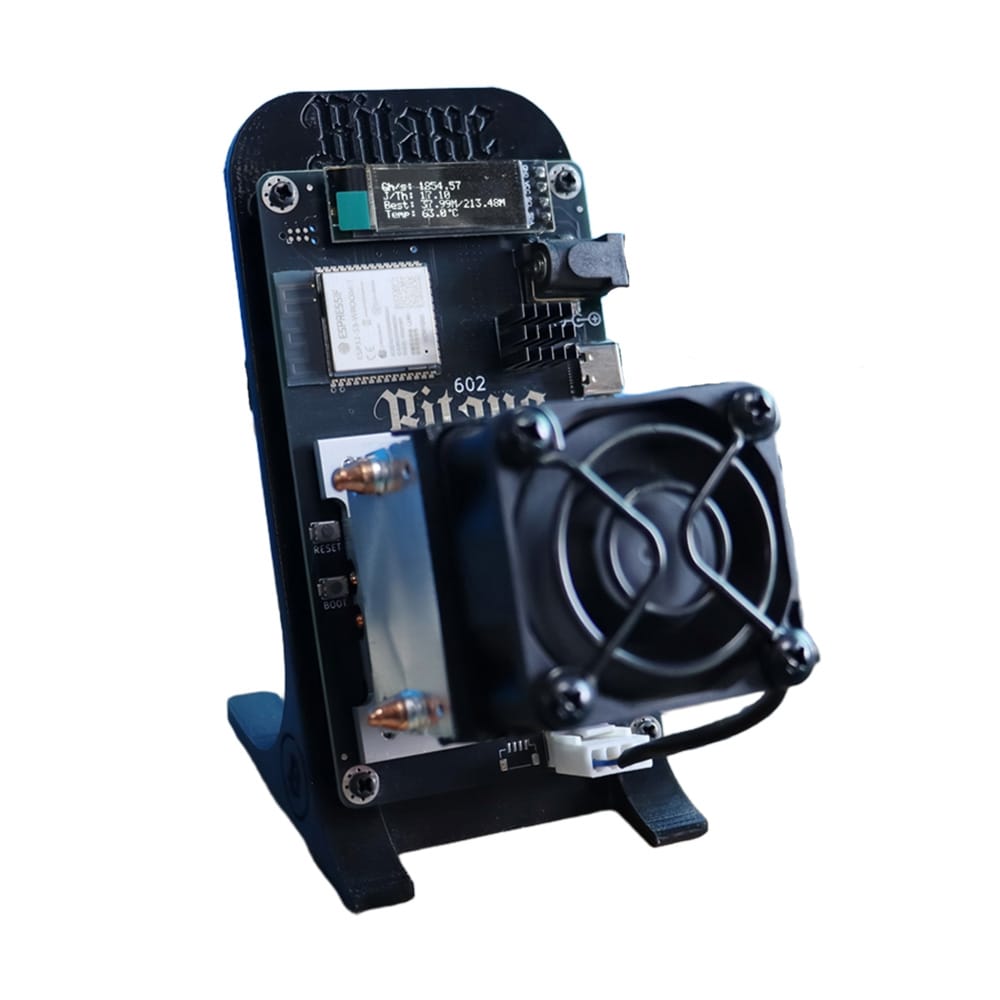
The Bitaxe Gamma 602 1.7T is a high-performance, open-source architecture SHA-256 ASIC miner engineered for home mining and decentralized network participation. Delivering a hashrate of 1.7 TH/s (±5%) with a power consumption of only 25W(±10%) , it achieves industry-leading efficiency for desktop devices. Featuring an active air-cooling system with a dedicated PWM smart fan and heat-pipe heatsink, the Gamma 602 is designed for stable, continuous 24/7 operation in solo, PPLNS, or PPS mining modes.
Technical Specifications
Below are the official hardware parameters. Note the critical voltage requirements to ensure device longevity.
| Parameter | Specification | Notes |
| Model | Bitaxe Gamma 602 1.7T | |
| Algorithm | SHA-256 | Bitcoin (BTC), Bitcoin Cash (BCH) |
| Hashrate | 1.7 TH/s ± 5% | |
| Power Consumption | 25W ± 10% | Ultra-low power desktop usage |
| Power Efficiency | ~16.6 J/TH | Calculated based on 25W / 1.7T |
| Input Voltage | DC 5V | CRITICAL: Do not exceed 5V |
| Cooling | Active Air (PWM Fan + Heat Pipe) | Auto-adjusting RPM |
| Network | WiFi 2.4 GHz | 802.11 b/g/n (5GHz not supported) |
| Noise Level | < 40 dB (Typical) | Whisper-quiet for home office |
| Operating Temp | 0°C – 35°C |
Tech Note: The device utilizes a dedicated Power Chip Heatsink separate from the main ASIC cooling tower. This independent cooling structure specifically reduces the temperature of power management chips (PMIC), significantly improving stability during long-term hashing.
Hardware Setup & Safety
Follow this sequence to ensure safe initialization.
- Inspection: Remove the device from the package. Ensure the ASIC Heatsink and PWM Fan are firmly seated.
- Placement: Place the miner on a stable, flat surface. Ensure the air intake and exhaust vents are completely unobstructed to prevent thermal throttling.
- Power Connection: Connect the provided 40W Switching Power Supply to the DC Jack.
- Boot Up: Plug the power supply into an AC outlet. The fan will spin up, and the status LEDs will activate.
⚠️ WARNING: VOLTAGE SAFETY The Bitaxe Gamma 602 operates on 5V Input. * ALWAYS use the provided 40W power supply or a certified 5V adapter.
- NEVER use a 12V power supply (common with other miners), as this will instantly damage the board. * DO NOT plug/unplug the DC jack while the PSU is live at the wall.
Network & Pool Configuration
The Bitaxe Gamma 602 operates without an Ethernet port, relying entirely on the ESP32-based WiFi architecture for connectivity.
1. WiFi Provisioning
Upon first boot, the device broadcasts a temporary hotspot.
- Search for the WiFi SSID:
Bitaxe_XXXXon your mobile or PC. - Connect to this network. You will be redirected to the AxeOS Web Management Interface.
- Navigate to Network Configuration (Settings).
- Enter your home WiFi SSID (2.4GHz only) and Password.
- Save and Reboot. The device will now connect to your local network.
2. Stratum Setup (Mining Pool)
In the Web Dashboard, locate the Stratum or Pool settings.
- SOLO Mode: Best for lottery mining (high variance).
- PPS/PPLNS Mode: Best for consistent payouts via a pool.
Example Configuration:
Plaintext
Stratum URL: stratum+tcp://pool.binance.com:3333
Worker Name: YourWalletAddress.Worker001
Password:    x (or 123)
Tip: Ensure your dashboard shows a hashrate close to 1.53 Th/s after 5-10 minutes of operation.
Troubleshooting & FAQ
Technical solutions for common operational behaviors.
Q: The fan is very loud immediately after power-on. Is it defective? A: No, this is normal behavior. Upon startup, the PWM Fan may ramp up to initialize or clear heat. Once the thermal management logic takes over, the speed will automatically adjust down based on the chip temperature to balance cooling and noise (typically <40dB).
Q: My hashrate is fluctuating between 1.7T and 1.8T. Why? A: Small fluctuations are expected. The spec allows for ±5% hashrate variance and ±10% power variance. This depends on chip temperature, silicon lottery qualities, and pool response times.
Q: I cannot connect to the WiFi network. A: The Bitaxe Gamma 601 hardware only supports 2.4 GHz WiFi. It cannot see or connect to 5 GHz networks. Ensure your router is broadcasting a 2.4G signal. Also, check for signal interference if the miner is far from the access point.
Q: Can I put this miner inside a drawer or server cabinet? A: No. Enclosed spaces restrict airflow, causing the heat pipe system to lose efficiency. This will trigger thermal throttling (lowered hashrate) or a protective shutdown. Keep it in an open, ventilated area.
Q: Does it support auto-restart after a power outage? A: Yes. If the configuration is saved, the device will automatically resume mining once AC power is restored.
Why Buy From DigLucky Factory?
As the direct manufacturer of the Bitaxe Gamma 602, DigLucky ensures every unit undergoes rigorous stress testing before shipment. Unlike third-party resellers, we provide direct access to component-level support and guarantee authentic BM-series chips. We support bulk B2B orders with custom branding options for mining farms and hardware retailers.
Download the Bitaxe Gamma 602 1.7T User Manual & Setup Guide – DigLucky
Ready to Start Your Project?
Get a factory-direct quote for your B2B project, or shop our B2C store for the best prices.