Product Overview
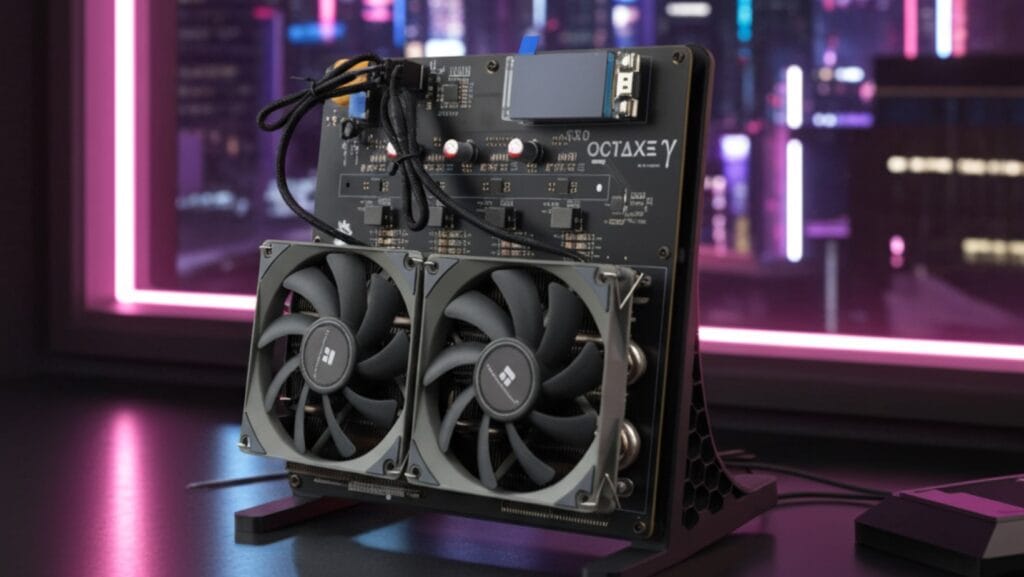
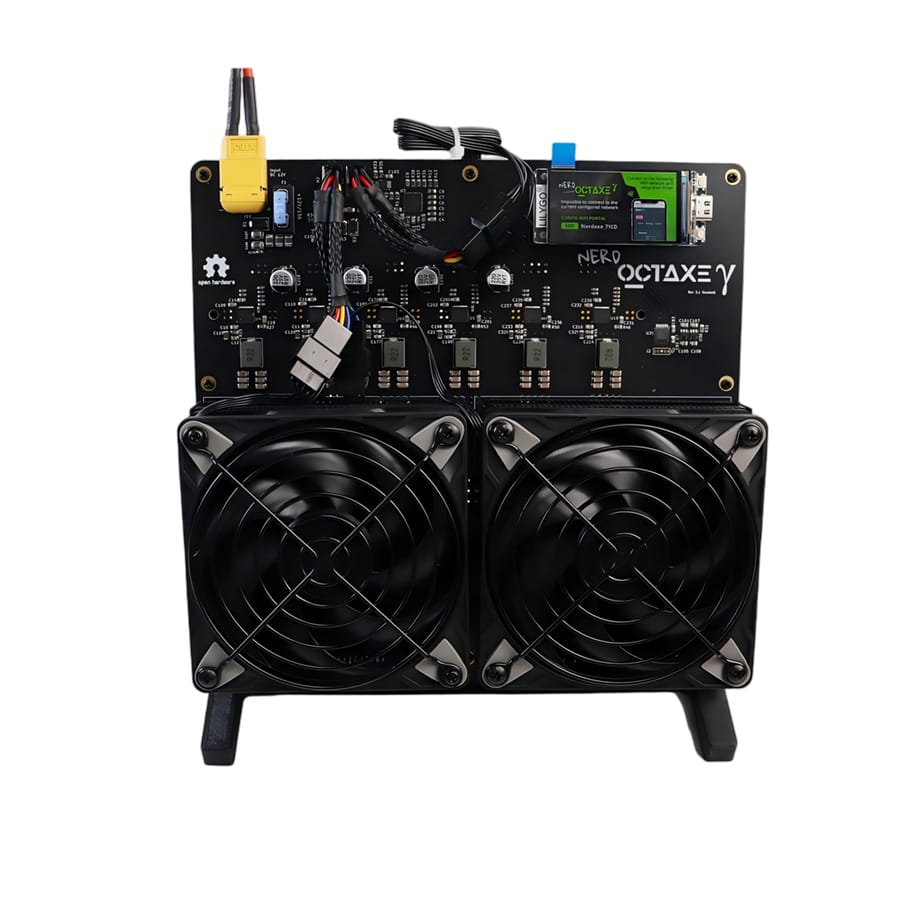
The NerdOctaxe 12T is a flagship desktop SHA-256 ASIC miner delivering an impressive 12 TH/s (±5%) hashrate. Designed for serious home miners and small-scale farms, it balances high performance with a desktop-friendly form factor. The device operates on a 12V power architecture via a robust XT60 interface to manage its 200W power envelope. It features a dual-heatsink active cooling system (Main ASIC + Power Chip) to ensure thermal stability during continuous 24/7 Bitcoin mining.
Technical Specifications
The following parameters are the official factory specifications for the V1.0 production delivery version.
| Parameter | Specification | Technical Notes |
| Model | NerdOctaxe 12T | High-Performance Desktop Miner |
| Algorithm | SHA-256 | Bitcoin (BTC), Bitcoin Cash (BCH) |
| Hashrate | 12 TH/s ± 5% | ~12,000 GH/s |
| Power Consumption | 200W ± 10% | Requires high-amperage supply |
| Power Efficiency | ~16.6 J/TH | Calculated based on 200W / 12T |
| Input Voltage | 12V | CRITICAL: High Current (approx 17A) |
| Power Connector | XT60 | Yellow high-current RC connector |
| Cooling | Active Air (Heat Pipe + PWM) | Auto-adjusting RPM |
| Network | WiFi 2.4 GHz | 802.11 b/g/n (5GHz not supported) |
| Noise Level | < 40 dB (Typical) | |
| Operating Temp | 0°C – 35°C |
Tech Note: The NerdOctaxe 12T utilizes an independent Power Chip Heatsink. This secondary cooling structure is essential for dissipating heat from the PMIC (Power Management IC) which handles the substantial ~17A current flow, preventing voltage sag and improving lifespan.
Hardware Setup & Safety
Follow this strict sequence to initialize the device safely.
- Inspection: Unpack the miner and the included 250W Switching Power Supply. Verify the XT60 connector is free of debris.
- Placement: Place the device on a stable, open surface. Do not block the air intake or exhaust vents.
- Connection: Securely connect the XT60 power connector from the PSU to the miner. Ensure the plug is fully inserted to prevent arcing.
- Power On: Plug the PSU into the AC wall outlet to start the device.
⚠️ WARNING: XT60 HIGH CURRENT SAFETY * No Hot-Plugging: NEVER plug or unplug the XT60 connector while the PSU is powered on. The high current (200W) can cause significant arcing, damaging the connector contacts immediately.
- Voltage Check: This device requires 12V. Do not connect to higher voltage sources.
- Cable Safety: Ensure the power cables are not bent at sharp angles near the connector.
Network & Pool Configuration
The NerdOctaxe 12T operates on a WiFi-only architecture (ESP32 based) for a wire-free setup.
1. WiFi Provisioning
Upon first boot, the miner broadcasts a configuration hotspot.
- Search for the SSID:
NerdOctaxe_XXXX(or similarBitaxe_prefix depending on firmware version) on your mobile or PC. - Connect to this network. You will be redirected to the AxeOS/NerdOctaxe Web Management Interface.
- Go to Settings > WiFi Settings.
- Select your local WiFi SSID (2.4GHz Only) and enter the password.
- Save and Reboot.
2. Mining Configuration
In the Web Dashboard:
- Pool URL: Enter your Stratum URL (e.g.,
stratum+tcp://solo.ckpool.org:3333for Solo or a pool address for PPS). - User/Worker: Enter your Bitcoin wallet address.
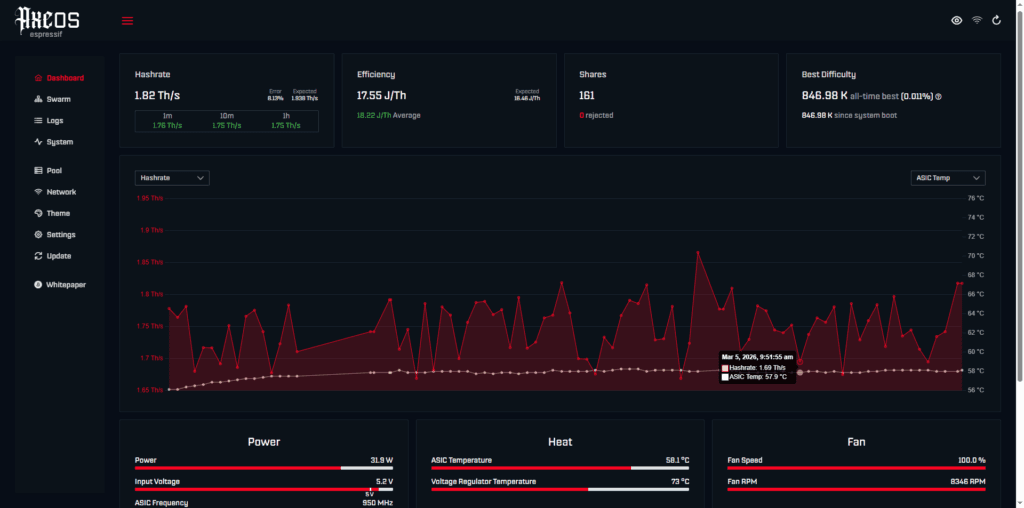
- Monitor: Verify the dashboard shows a hashrate near 12.00 TH/s (e.g., 12,161.79 Gh/s in screenshots ).
Troubleshooting & FAQ
Official answers to common operational questions.
Q: The fan is loud and speed fluctuates. Is this normal? A: Yes. During startup or heavy load, the PWM fan speeds up to manage the 200W heat load. This is normal behavior to protect the chips. The fan will settle at a lower speed once the temperature stabilizes.
Q: Can I use a different power supply?
A: Only if it meets the strict requirements: 12V Output and at least 250W (20A+) capacity with a high-quality XT60 connector. Using an under-powered PSU will cause instability or shutdowns.
Q: Can I put this miner in a server rack or drawer? A: No. Enclosed spaces restrict airflow. Given the 200W thermal output, blocking airflow will rapidly cause overheating and protective shutdown.
Q: Hashrate is showing 11.5 TH/s, is it broken? A: This is within the normal range. The hashrate specification is 12 TH/s ± 5%. Variations occur due to chip temperature and silicon variance.
Q: Does it support 5G WiFi? A: No, the hardware module only supports 2.4GHz WiFi. Ensure your router has a dedicated 2.4G band enabled.
Why Buy Factory Direct?
DigLucky is the premier manufacturer of the NerdOctaxe series. Buying direct guarantees:
- Reliability: Every unit is stress-tested at 200W load before shipping.
- Support: Access to factory engineers for firmware updates and troubleshooting.
- Scalability: We support bulk OEM orders for mining farms looking for high-density, efficient desktop units.
Download the NerdOctaxe 12T User Manual & Setup Guide
Ready to Start Your Project?
Get a factory-direct quote for your B2B project, or shop our B2C store for the best prices.